Start Using Eventum
Choose how you want to use Eventum
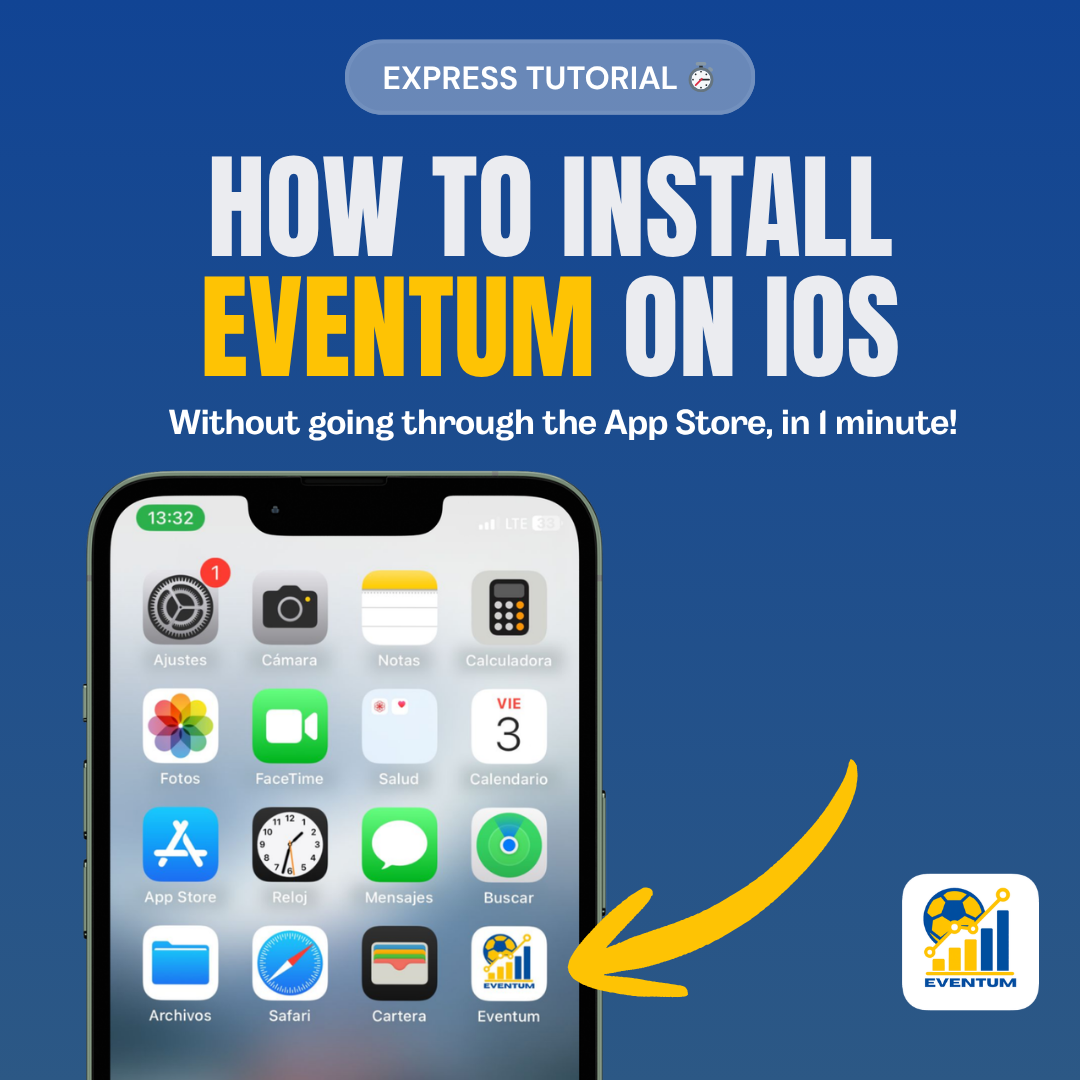
Without going through the App Store, in 1 minute!
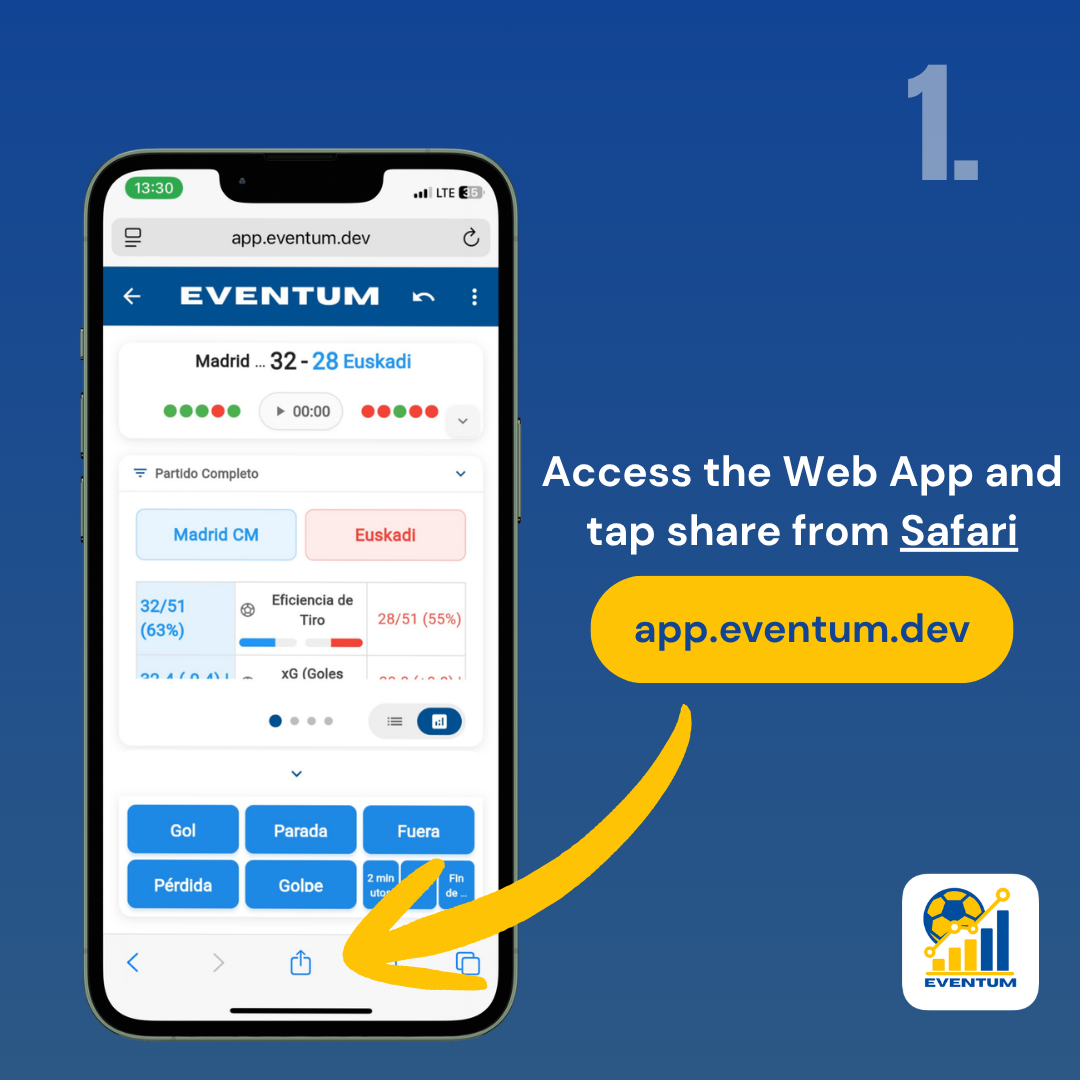
The app must be opened in Safari. Chrome and other browsers don't support installation.
Find the Share icon (square with an arrow) in the bottom bar of Safari and tap it.
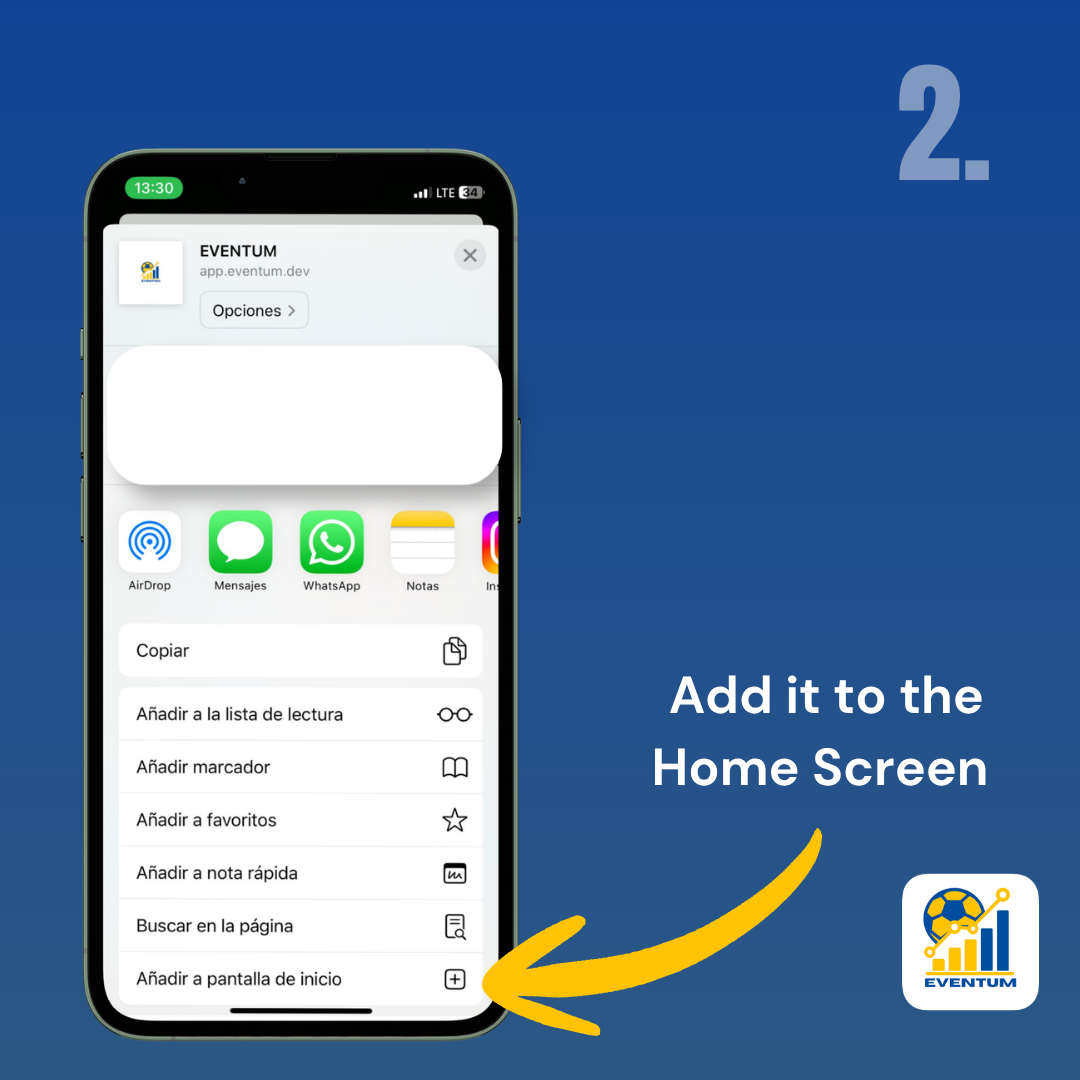
Scroll down in the share menu and tap "Add to Home Screen".
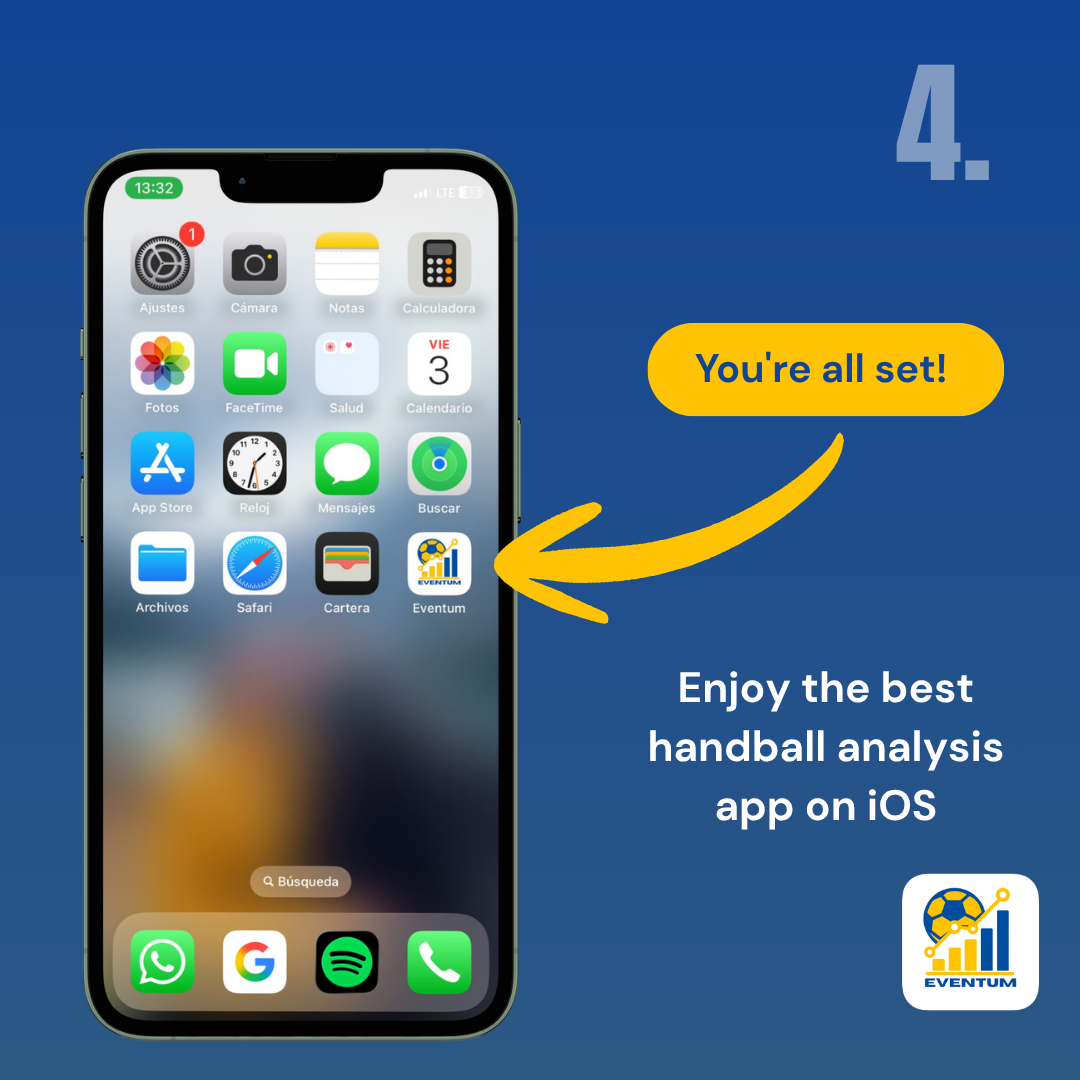
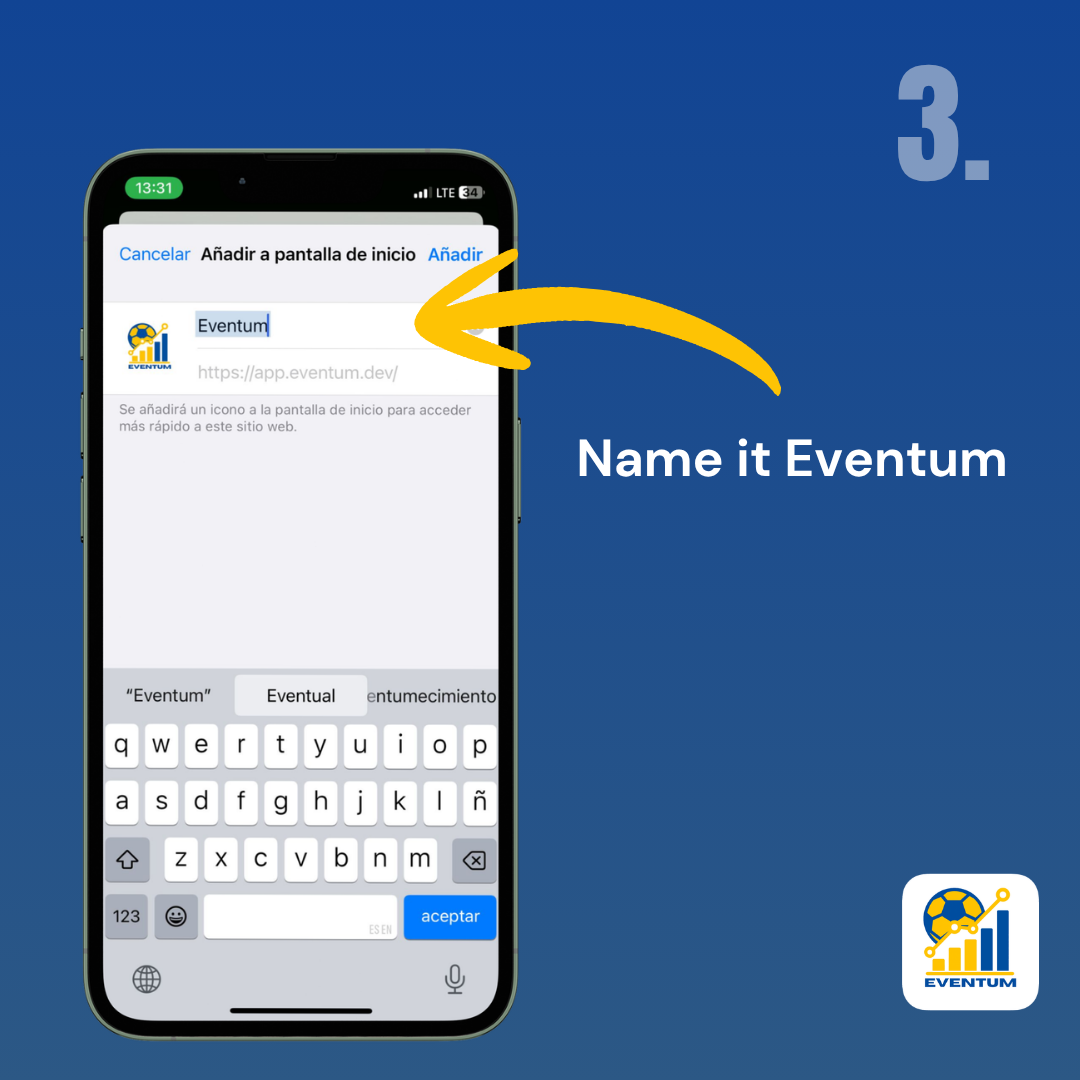
Tap "Add" in the top-right corner. Eventum will appear on your Home Screen like any native app.